

Understand doc sites
Doc sites turn your Clevera articles into a hosted help center with search, an AI assistant, reader feedback and languages. Here is what readers get, who can do what, and what costs credits.
A doc site is a hosted help center made from the articles in your Clevera workspace. You write and edit articles where they already live, add them to a site as pages, and publish. Readers get a fast public site with search, an AI assistant that cites your pages, and a way to tell you what didn't help. Doc sites are included on every plan, Free too.
How a doc site works
- Your articles are the pages. A page on a doc site shows an article from your library. Edit the article and the page changes on the next publish. The article stays in Content; removing the page from the site never deletes it.
- You publish versions. Changes collect until they go live as a new version. Every version is kept in Publishing, so you can see what changed and roll back.
- It has its own address. Every site gets a free address,
your-site.clevera.help. On Starter and up you can serve it from your own domain, such ashelp.example.com. - Readers never see your workspace. They see the site only. People in your workspace manage it from Doc sites in the sidebar.
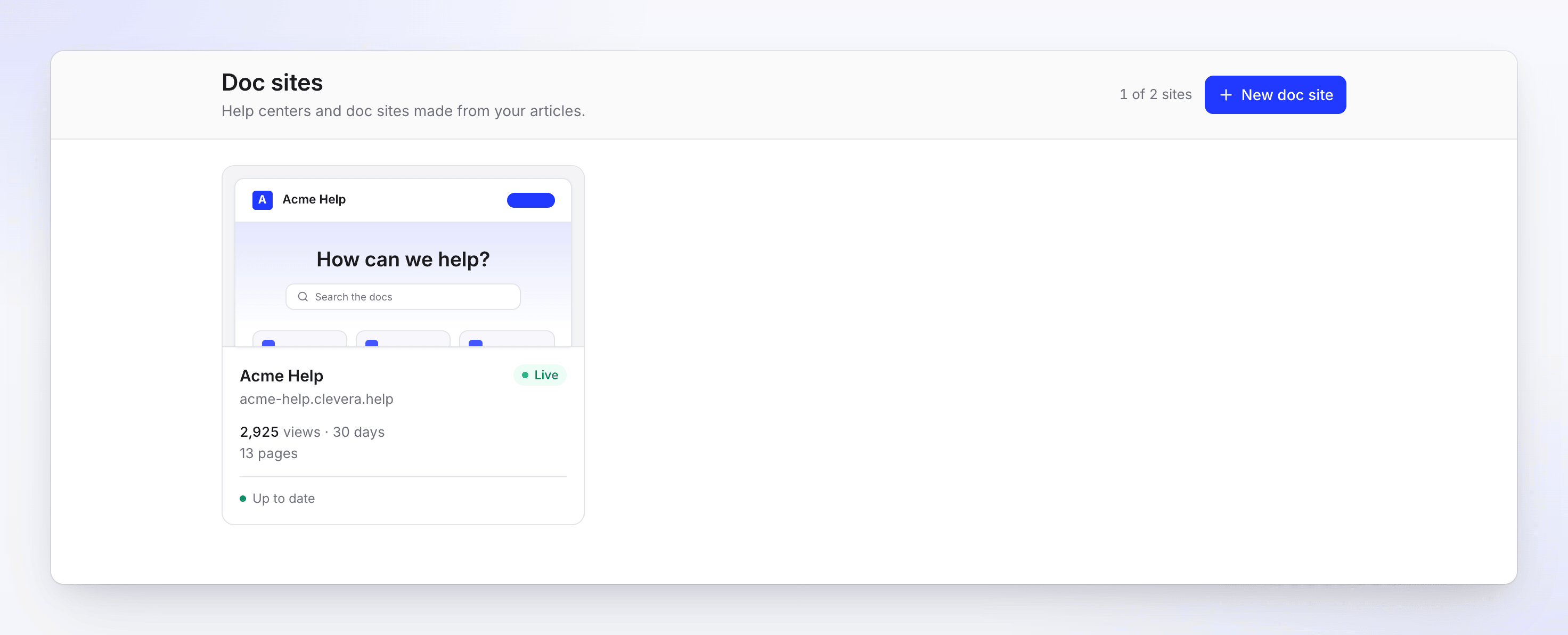
Each site has these screens, grouped in its sidebar:
| Group | Screens | What you do there |
|---|---|---|
| Overview | Overview | Setup checklist, traffic and what to do next |
| Content | Pages, Changelog, Redirects | Sections, pages and their order; release notes; old addresses |
| Insights | Analytics, Search, Assistant, Feedback | Views, what readers searched and asked, page ratings |
| Site | Appearance, Navigation, Domain, Settings, Publishing | Look, menus, your own domain, access and the assistant, versions |
What readers get
| Feature | What readers see |
|---|---|
| Home page | A title, a search box, your sections as topic cards and the pages you feature |
| Search | Search… in the header, or ⌘ K / Ctrl K from any page. Results update as they type and remember recent searches. |
| AI assistant | Ask AI answers questions from your published pages and lists the sources it used. You turn it on in Settings → AI assistant. |
| Page feedback | "Was this page helpful?" at the end of each page, with optional reasons and a comment |
| Languages | A language switcher in the header when the site has more than one language. A page without a translation shows the default language with a short notice. |
| Light and dark | A theme switch in the header. You set the default. |
| Page actions | Copy a page as Markdown, view it as plain text, or open it in an AI chat app to ask about it |
| Machine-readable copies | llms.txt and Markdown copies of public pages for AI tools, plus a sitemap for search engines |
| Changelog | A release-notes page with categories (New, Improved, Fixed, Security, Deprecated) and an RSS feed |
| Contact form | Contact support sends a message to one email address you confirm (Starter and up) |
Sites on the Free plan show a small "Powered by" badge. Starter and up can remove it.
Who can do what
Doc sites use your workspace roles. Everyone in the workspace can open every doc site.
| Task | Owner | Administrator | Editor | Content Creator |
|---|---|---|---|---|
| Open sites, pages and insights | Yes | Yes | Yes | Yes |
| Edit pages, sections and changelog entries | Yes | Yes | Yes | Yes |
| Add new articles, site pages and changelog entries | Yes | Yes | No | Yes |
| Publish, roll back, change look, navigation, domain and settings | Yes | Yes | Yes | No |
| Create a doc site | Yes | Yes | No | No |
| Delete a doc site | Yes | Yes | No | No |
| Import and export content | Yes | View only | No | No |
Editors improve what exists and publish it; they don't create new content. Content Creators write and edit, and an owner, administrator or editor publishes. Where a control is off for your role, its tooltip says why, for example "Only workspace owners and admins can create doc sites."
What costs credits
Hosting a doc site is free. Most of what happens on it uses no credits.
| Action | Credits |
|---|---|
| Hosting, page views, visitors and bandwidth | None |
| Reader search | None |
| Assistant answers to readers | None. Each plan includes a monthly number of answers. |
| Translating page titles, section names, menu labels | None |
| Publishing, rolling back, redirects, analytics | None |
| Importing from another platform, exporting a site | None |
| Generating or translating a site page with AI | Article AI credits. The dialog shows "Up to N credits" before you start. |
| Translating changelog entries | Article AI credits |
| Writing an article with AI (in Compose or the article editor) | The usual article credits |
See Understand credits for how credits work, and Doc site plans and limits for what each plan includes.