

Write a brief for a social clip
A good social clip brief names one message, who it's for, the proof and what viewers should do next. See what to include, the length limits, examples for every clip type, and what to leave to the pills and your materials.
The brief is what you type in the box on the Compose page. For a social clip it tells the AI director what the clip is for: the one message, who it's for, the proof and what viewers should do at the end. Your materials (a website, pictures, a PDF, a video) supply the facts and the visuals; the brief supplies the intent.
Limits
| Rule | Value |
|---|---|
| Longest brief | 5,000 characters |
| Shortest brief, with nothing attached | 100 characters ("A little more — a couple of sentences is enough.") |
| Shortest brief for Custom brief | 40 characters, even with files attached |
| Shortest brief with a link or file attached (other types) | None: the brief is optional, but it helps |
| Unsent briefs | Kept for that type in your workspace for 6 hours ("Your unsent brief") |
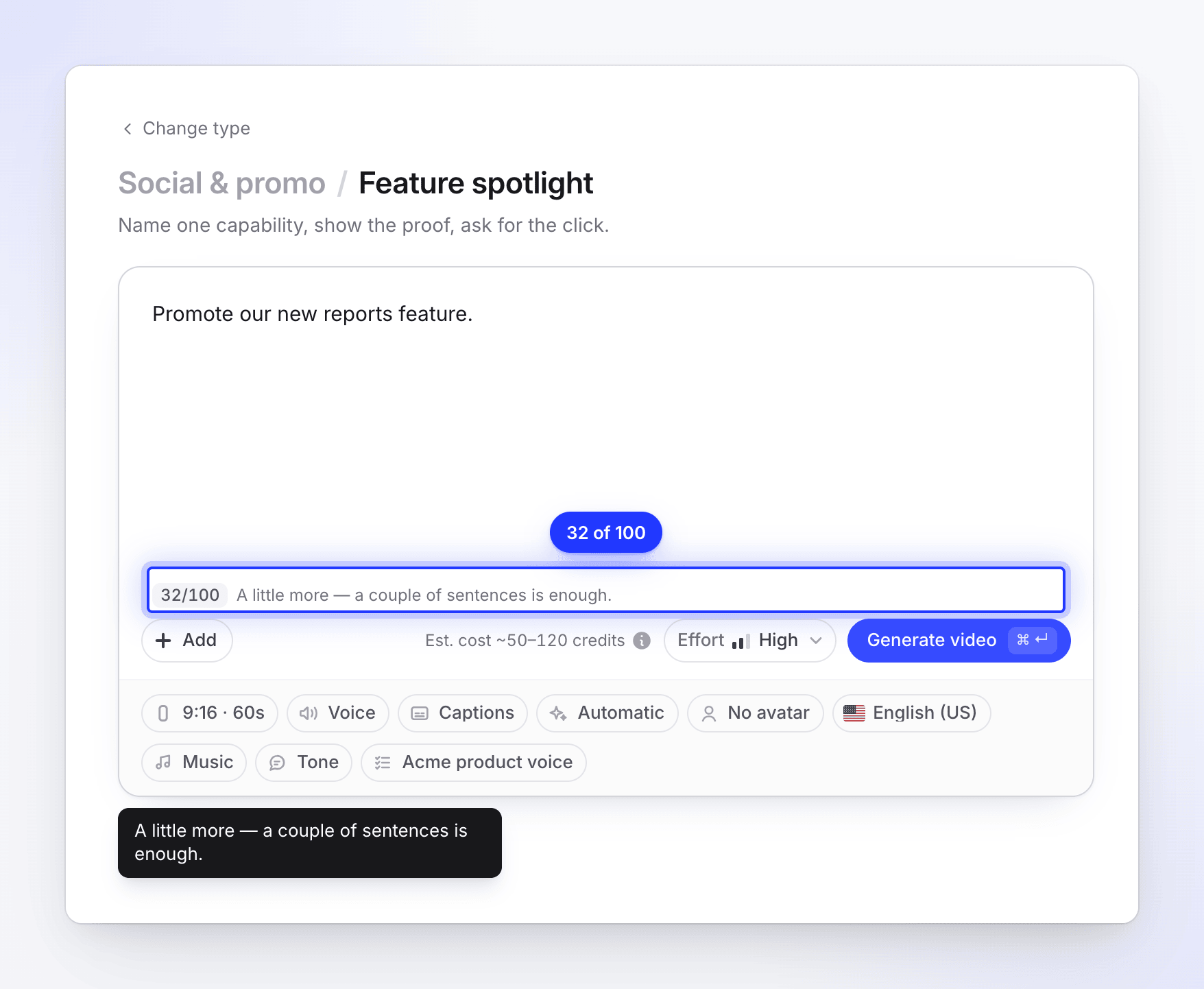
The clip's language comes from the Language pill, not from the language you write the brief in.
What to put in it
| Ingredient | Why it matters | Example |
|---|---|---|
| One message | A short clip lands one idea. Several messages turn into a list nobody remembers. | "Acme now writes the weekly client report for you." |
| The audience | It sets the words, the examples and the pace. | "Agency account managers who build reports by hand on Fridays." |
| The proof | Real numbers and named results are what make a claim believable. | "Saves about 3 hours a week per client (our beta, 40 agencies)." |
| The hook (optional) | The first two seconds decide whether people keep watching. If you have a line you like, give it. | "Open on: 'Still copying numbers into slides?'" |
| The ask | The clip ends on it. Say exactly what to do and where. | "Start free at example.com/reports." |
| Must-say and must-avoid | Exact names, legal lines, words you never use. | "Say 'Acme Reports', never 'Acme Analytics'. No 'AI-powered'." |
You don't need to describe scenes, transitions, fonts or colors. The AI director designs those, inside the Look you chose.
What the pills already cover
Put these in the pills, not the brief. A pill is exact; a sentence in the brief is a hint the AI weighs against everything else.
| Setting | Where |
|---|---|
| Shape and length | Format pill |
| Who speaks, or no voice | Voice pill |
| How the script sounds (Confident, Friendly, Playful, Calm, Authoritative) | Tone pill |
| Style and colors | Look pill |
| A presenter on camera | AI avatar pill |
| Music on or off | Music pill |
| Rules for every video (brand words, banned claims) | AI rules pill. See Create and apply AI rules. |
| How much care goes in | Effort, beside Generate |
Weak and strong briefs
Weak: "Make a video about our new feature." The AI doesn't know which feature, for whom, or what to ask for, so it guesses from your materials.
Strong: "Announce Acme's new bulk edit: change 500 rows in one go instead of one by one. For support leads who live in spreadsheets. Proof: a 2-minute task becomes 5 seconds. End with 'Try it free at example.com'."
Weak: "Promote our sale." An Offer promo can't run without the offer itself, so the AI will stop and ask.
Strong: "25% off Acme Pro annual plans until Friday 31 October, code FALL25. For freelancers on the monthly plan. End with 'Switch at example.com/pricing'."
Examples for each type
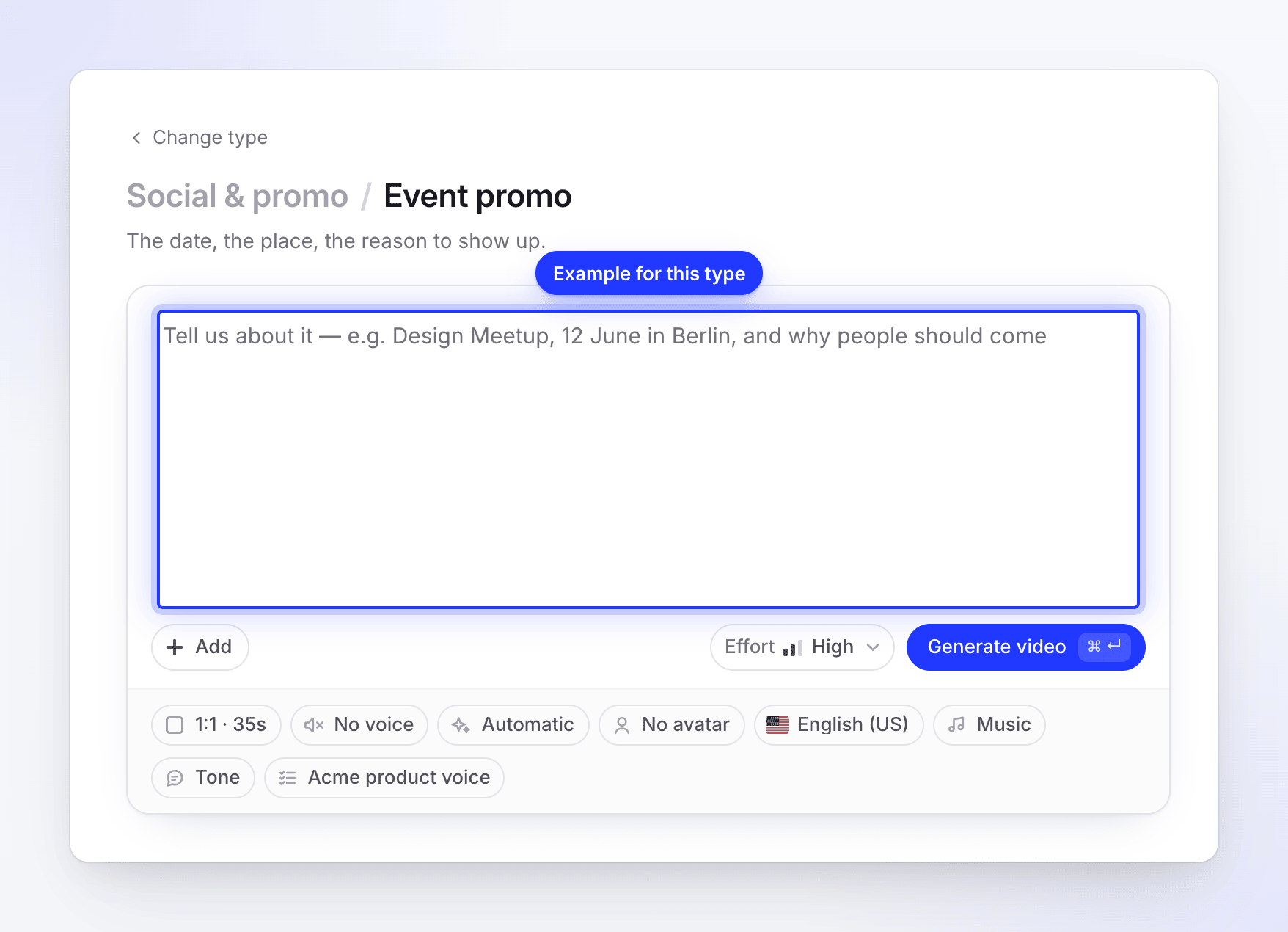
The brief box shows an example for the type you picked. Here they are with a fuller version of each:
| Type | Placeholder | A fuller brief |
|---|---|---|
| Feature spotlight | "our bulk-edit tool, and show how much time it saves" | "Bulk edit in Acme: select 500 rows and change them at once. For ops managers. Show the before/after time. End on 'Try it at example.com'." |
| Hook reel | "one bold claim to open with, then three quick proof points" | "Open on 'Your reports are already written.' Then: auto-filled charts, one-click send, client-ready PDF. End on example.com." |
| Music & motion | "our launch line, plus three short words to animate over the music" | "Line: 'Reports that write themselves.' Words: Connect. Generate. Send. End on the Acme logo and example.com." |
| Feature announcement | "what shipped this week, who it helps, and where to find it" | "New this week: scheduled reports and a Slack digest. For agency teams. Find them under Settings → Automations." |
| Launch teaser | "what is new, one line on why it matters, and the launch date" | "Acme Reports 2.0, out 4 November. Why: every client report in one click. Ask: join the waitlist at example.com." |
| Mystery teaser | "a hint of what is coming and the date people can sign up" | "Something for everyone who dreads Friday reporting. Don't name it. Sign-ups open 28 October at example.com." |
| Product tour | "our homepage, and the three features that matter most" | "Tour example.com: connect your data, auto-built reports, client portal. For small agencies. End with 'Start free'." |
| AI avatar | "explain in a friendly, direct way why we built this" | "First person, as Acme's founder: why we built Acme after years of Friday reporting, and what it does now. End with example.com." |
| Customer story | "how Maya cut her invoicing time in half, and use her quote" | "Sam Lee, owner of Lee Studio: 'We send client reports in 10 minutes, not 2 hours.' 6-person design agency. End on example.com/customers." |
| Offer promo | "30% off this weekend only, ends Sunday at midnight" | "30% off Acme Pro this weekend, code WEEKEND30, ends Sunday 23:59 CET. End with example.com/pricing." |
| Event promo | "Design Meetup, 12 June in Berlin, and why people should come" | "Acme Live webinar, Thursday 14 November, 17:00 CET, online. Come for a live report build and Q&A. Register at example.com/live." |
| Brand film | "who we are, what we believe, and who we make this for" | "We believe client work should be about ideas, not spreadsheets. Acme is for small agencies. End on our logo and 'Make the work, not the report.'" |
| Custom brief | (your own words) | "A 30-second recruiting clip for our support team: friendly, three reasons to join, apply at example.com/jobs." |
Tips
- Lead with the message. The first sentence carries the most weight.
- Use real numbers. "Saves 3 hours a week" beats "saves lots of time". The AI won't make numbers up, so give it the ones you want shown.
- Write the ask exactly. Type URLs, codes and dates exactly as they should appear.
- Attach, don't describe. A website, screenshots or a short video give the AI real product visuals. A link typed in the brief is read when the clip is made; + → Research a website reads it now, lets you point it at specific pages and shows you what it found.
- Short is fine. With good materials attached, two or three sentences is enough.