

Choose the right video type
Every video type in Clevera, with what it's for, what it starts from, its default format, length and audio, and what it needs before you can generate. Use it to pick the type that fits your goal.
Clevera has five families of video types, and each type is tuned for one job. This page lists every type with what it's for, what it starts from, its defaults and anything it needs before you can generate, so you can pick the right one. If you'd rather not choose, describe your video on Home and the setup chat picks for you.
Start with your goal
| Your goal | Family | Why |
|---|---|---|
| Teach someone to do something in your product | How-to | Narrates your real recording step by step, with zooms on each click. |
| Show what your product does to a buyer or the market | Product demo | Same real footage, told as a pitch or announcement. |
| Get attention in a feed, an ad or a launch post | Social & promo | Designed motion graphics in any format, no recording needed. |
| Write documentation or a procedure | Article | Text and screenshots from your recording. |
| Tidy up a recording you already have | Polish | Keeps what you said; removes dead time or adds a frame. |
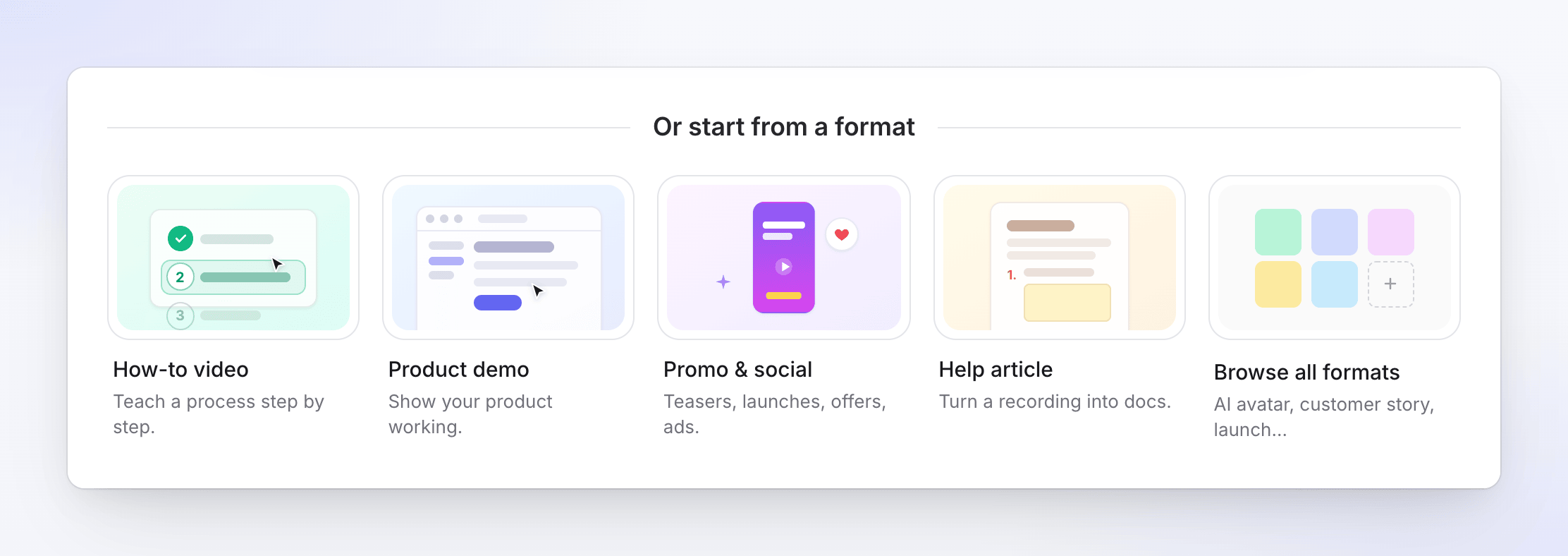
The first four sit on Home as Or start from a format cards. All five are in the Create gallery, which also has All types and Start from scratch. See Pick a video type in the Create gallery.
How-to videos
"Step-by-step guides made from a screen recording." Every kind is narrated, with automatic zooms and your video template's intro, title cards and music.
| Kind | Use it for |
|---|---|
| Product walkthrough | Walk through a product flow end to end. |
| Getting started | First-run setup for new users. |
| Troubleshooting | Fix a common problem. |
| Onboarding | Bring a teammate or customer up to speed. |
Product demos
"Show what your product does, narrated over your recording."
| Kind | Use it for |
|---|---|
| Product overview | Broad tour of what the product does. |
| New feature | Spotlight one capability. |
| Product launch | Launch-day energy with a clear call to action. |
| New version | What's new in this release. |
| Sales pitch | Outcome-led demo for prospects. |
What how-to videos and demos need
- A recording, or pictures and PDFs instead. Up to 3 videos, 20 pictures and 3 PDFs. Videos play in the order you set. We recommend recordings under 30 minutes. Without any video, the AI makes a narrated slideshow from your pictures and PDF pages (each held on screen as long as its narration, up to 20 pictures).
- No website links. Links aren't used by these types; describe the product in the brief instead.
- A video template. A built-in one is selected by default. It sets the background, music, intro and title cards.
| Setting | Default |
|---|---|
| Voice-over | On, in the recommended voice for the language |
| Speaking style | Casual (also Expressive or Formal) |
| Captions | Off |
| Format and length | Follow your recording; there's no format or length setting. You can change the aspect ratio in the editor afterwards. |
| Typical cost | 5–25 credits for a recording up to 5 minutes |
Social clips
"Short clips for feeds, ads and launches." Social clips are in Beta and are part of the paid plans. They start from a website link, pictures, a PDF, a video or only your brief.
| Card | Kind | Use it for | Format | Length | Audio |
|---|---|---|---|---|---|
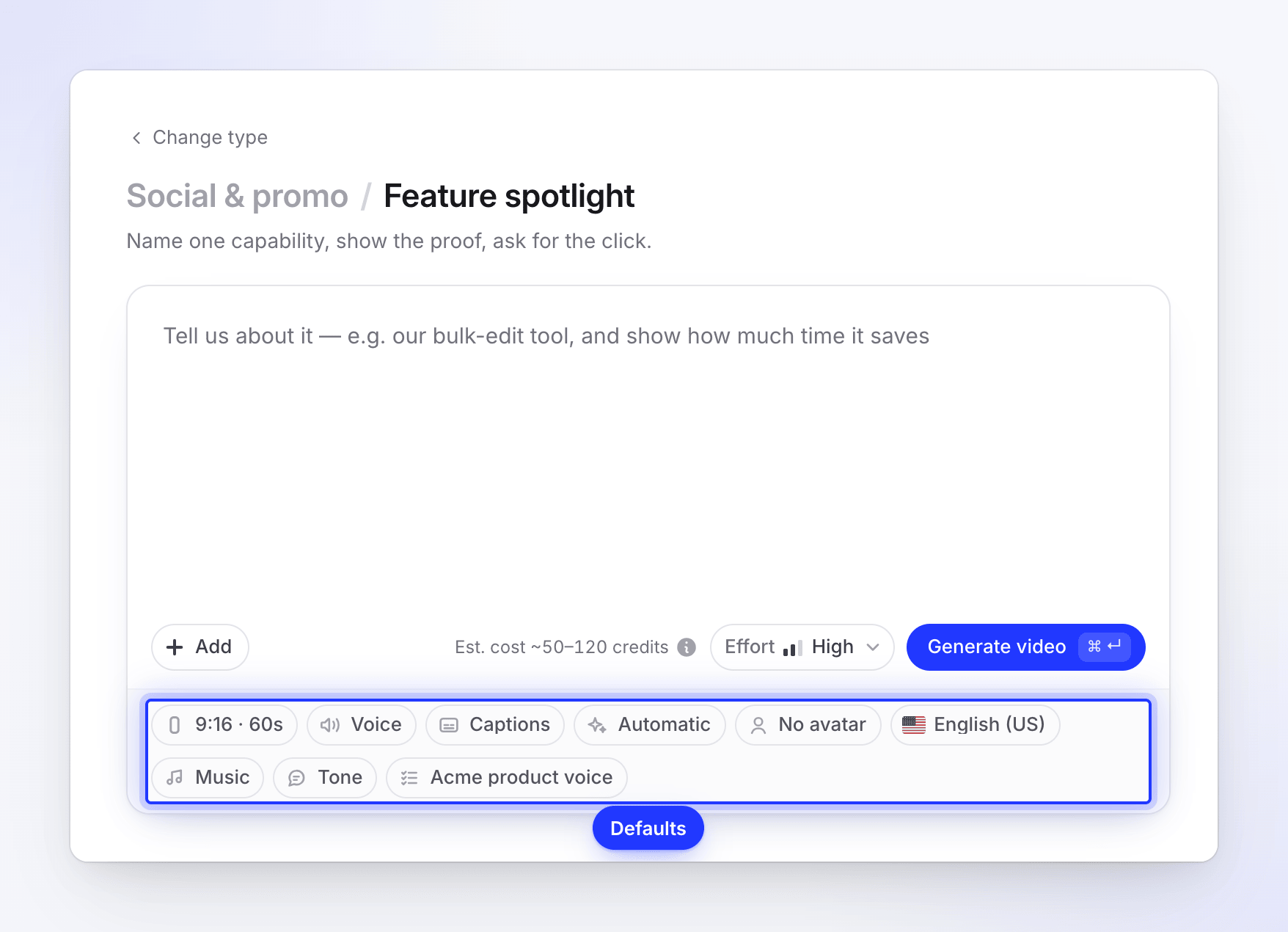
| Social promo | Feature spotlight | Name one capability, show the proof, ask for the click. | 9:16 | Standard | Voice-over |
| Hook reel | Cold open, fast cuts, captions on. | 9:16 | Short | Music | |
| Music & motion | Silent-friendly: bold type, music, no voice-over. | 9:16 | Standard | Music | |
| Launch / announcement | Feature announcement | Name what shipped, show proof, ask for the click. | 16:9 | Standard | Voice-over |
| Launch teaser | What's new, shown working in a few fast beats, named, with the ask. | 9:16 | Short | Music | |
| Mystery teaser | Fragments and a promise before launch. Nothing named yet. | 9:16 | Short | Music | |
| Product explainer | Product tour | Hero hook, three feature beats, call to action. | 16:9 | Standard | Voice-over |
| UGC-style video | AI avatar | An AI avatar talks the viewer through it. | 9:16 | Standard | Voice-over |
| Customer story | Customer story | Their words or their result, told with attribution. | 9:16 | Standard | Voice-over |
| Offer | Offer promo | Lead with the offer, one visual beat, the ask. | 9:16 | Short | Music |
| Event promo | The date, the place, the reason to show up. | 1:1 | Short | Music | |
| Brand story | Brand film | What you believe, who it is for, what you make. | 16:9 | Standard | Voice-over |
| Describe what you want | Custom brief | You describe the outcome; Clevera builds it. | 9:16 | Standard | Voice-over |
Every default is a starting point: change the format, length, voice-over, music and look on Compose before you generate. Captions are on by default whenever there's a voice-over.
Lengths
| Length | About | Range |
|---|---|---|
| Short | 35 seconds | 30–45 seconds |
| Standard | 60 seconds | 45–90 seconds |
| Long | 2 minutes | 90–180 seconds |
| Full walkthrough | 4 minutes | 3–5 minutes |
Full walkthrough isn't offered for 9:16, because Reels, Shorts and TikTok allow up to 3 minutes. See Set the format, size and length.
What social clips need
| Kind | Needs before it can be made |
|---|---|
| AI avatar | An avatar. Compose shows "Choose an avatar — this style is built around one." until you pick one. |
| Customer story | A real quote or result, and who it's from. |
| Offer promo | The offer: the deal, the price and the deadline. |
| Event promo | The event's name, date and place, and the reason to come. |
| Custom brief | A brief of at least 40 characters. |
| Any social clip with nothing attached | A brief of at least 100 characters. |
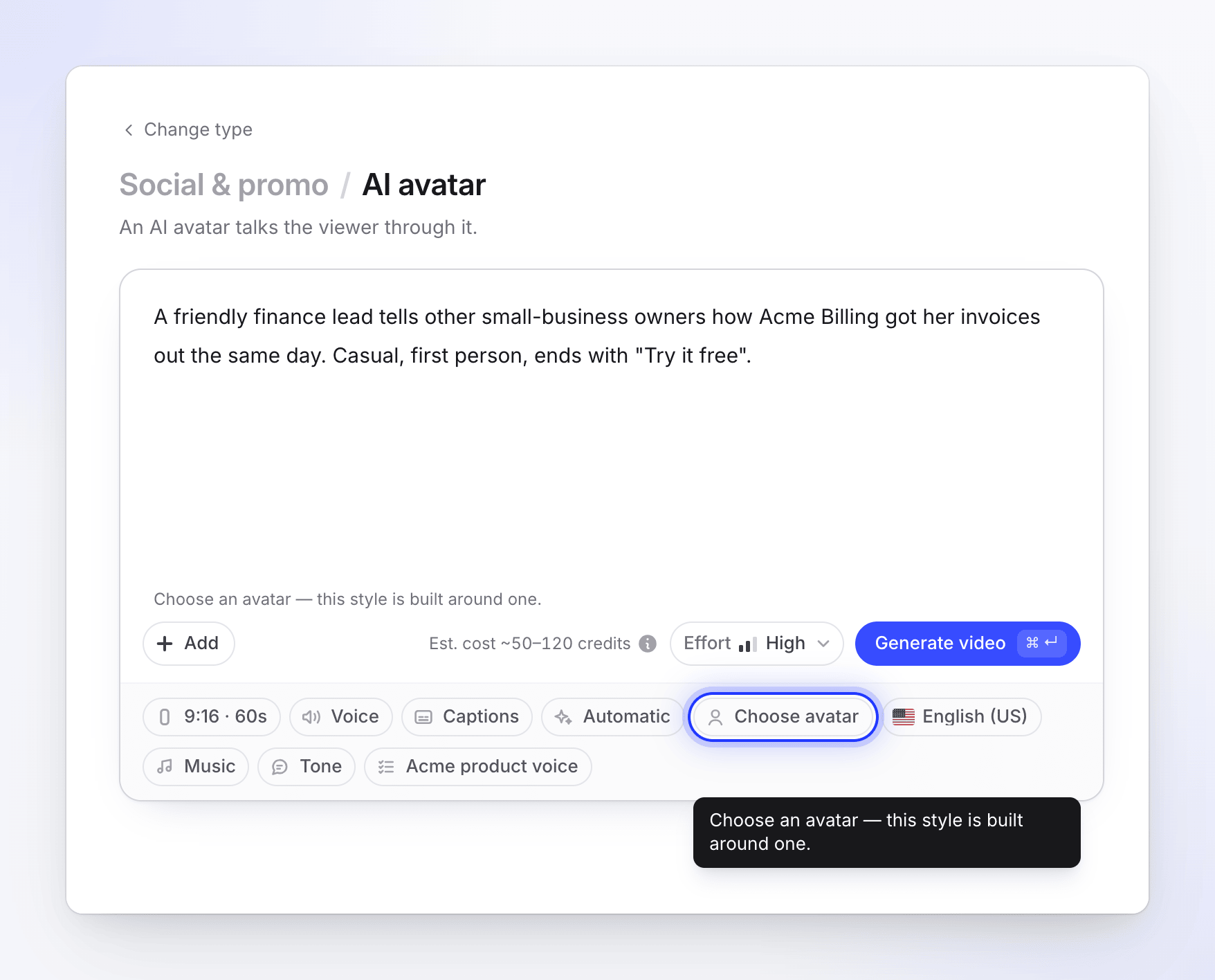
If the brief doesn't include a required fact, the AI asks for it at the start of generation. If nobody answers within 10 minutes, the video stops, so it's quicker to put the fact in the brief. See Make an offer, event or customer-story clip.
| Setting | Default |
|---|---|
| Effort | High (also Medium or Extra) |
| Look | Automatic |
| Music | Pick a track for me |
| Tone | Auto |
| AI avatar | None, except on the AI avatar kind (paid plans; adds credits) |
| Typical cost | 30–60 (Medium), 50–120 (High) or 80–160 (Extra) credits |
Articles
"Written guides and posts made from a recording." An article is made from one recording only; pictures, PDFs and links are removed.
| Kind | Use it for |
|---|---|
| How-to article | Step-by-step written guide. |
| Troubleshooting | Written fix for a common issue. |
| SOP | Repeatable standard operating procedure. |
| Blog post | Narrative write-up for your audience. |
| Product update | Ship notes as readable content. |
| Setting | Options | Default |
|---|---|---|
| Tone | Auto, Professional, Friendly, Technical, Conversational | Auto |
| Depth | Auto, Brief, Standard, In-depth | Auto |
| Screenshot marker | The color drawn where you clicked | Green |
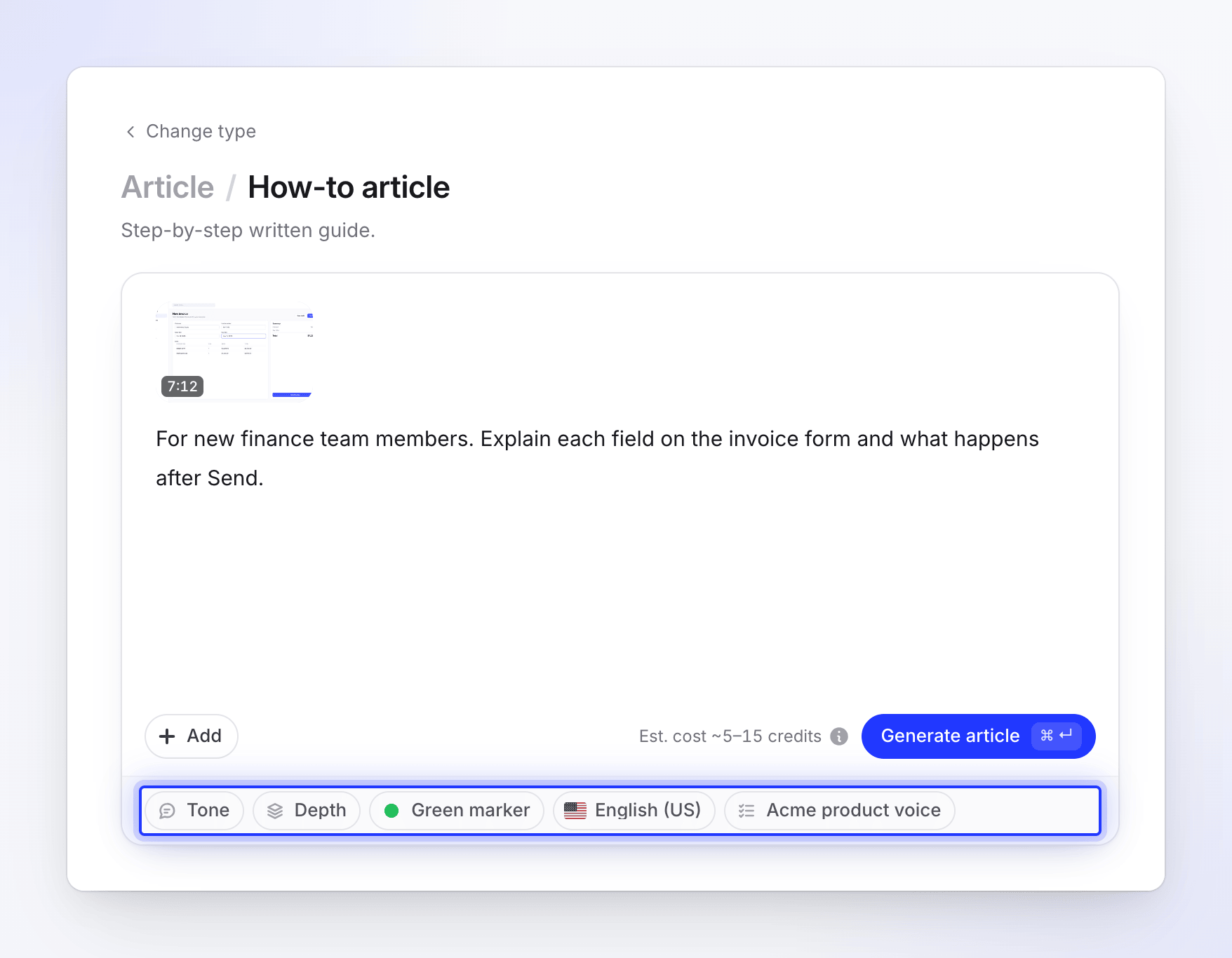
Articles have no voice, music or captions. A typical article costs 5–15 credits. See Turn a recording into an article.
Polish my footage
"Tidy up a recording without changing what it says." Polish works on one video only.
| Kind | What it does | Needs | Cost |
|---|---|---|---|
| Clean-up | Removes pauses and dead time and keeps your voice. | A recording | 5–25 credits |
| Styled for sharing | Adds polish for sharing (your template's background, music, intro and title cards) without changing the content. | A recording and a Title | 1–5 credits (the estimate shows up to 6) |
See Clean up or restyle a recording with Polish.
Plans and availability
- Free plan: how-to videos, product demos, articles and Polish, with videos up to 3 minutes. Social clips show a Paid plans tag, with the banner "Social clips are part of the paid plans. Upgrade to make them."
- Paid plans: every type, including social clips and the AI avatar.
- Temporarily unavailable: now and then a type is paused for maintenance or while we fix a problem. Its card says Temporarily unavailable with the reason. Try again later or pick a similar type.
Still not sure
- Have a recording and want viewers to learn from it? How-to video.
- Have a recording and want viewers to buy? Product demo.
- No recording, and the video is for a feed or an ad? Social clip.
- No recording, but the video should teach? Make a how-to anyway: use Record with AI, the desktop app, or screenshots and a PDF.
- Want it written, not watched? Article.