

Earn credits by inviting friends
Share your invite link: when a friend subscribes to a paid plan, you get 500 bonus credits and they get 250. Credits arrive 14 days after their first payment and never expire. Limits, statuses and terms explained.
Invite friends to Clevera with your personal link. When a friend who joined with it subscribes to a paid plan, you get 500 bonus credits and they get 250. Bonus credits never expire.
How it works
- You share your invite link.
- A friend signs up with it and subscribes to any paid plan within 90 days.
- 14 days after their first payment, 500 credits land in your bonus credits and 250 in theirs.
The 14-day wait makes sure the payment isn't refunded before the credits are given.
Share your invite link
Open Invite friends
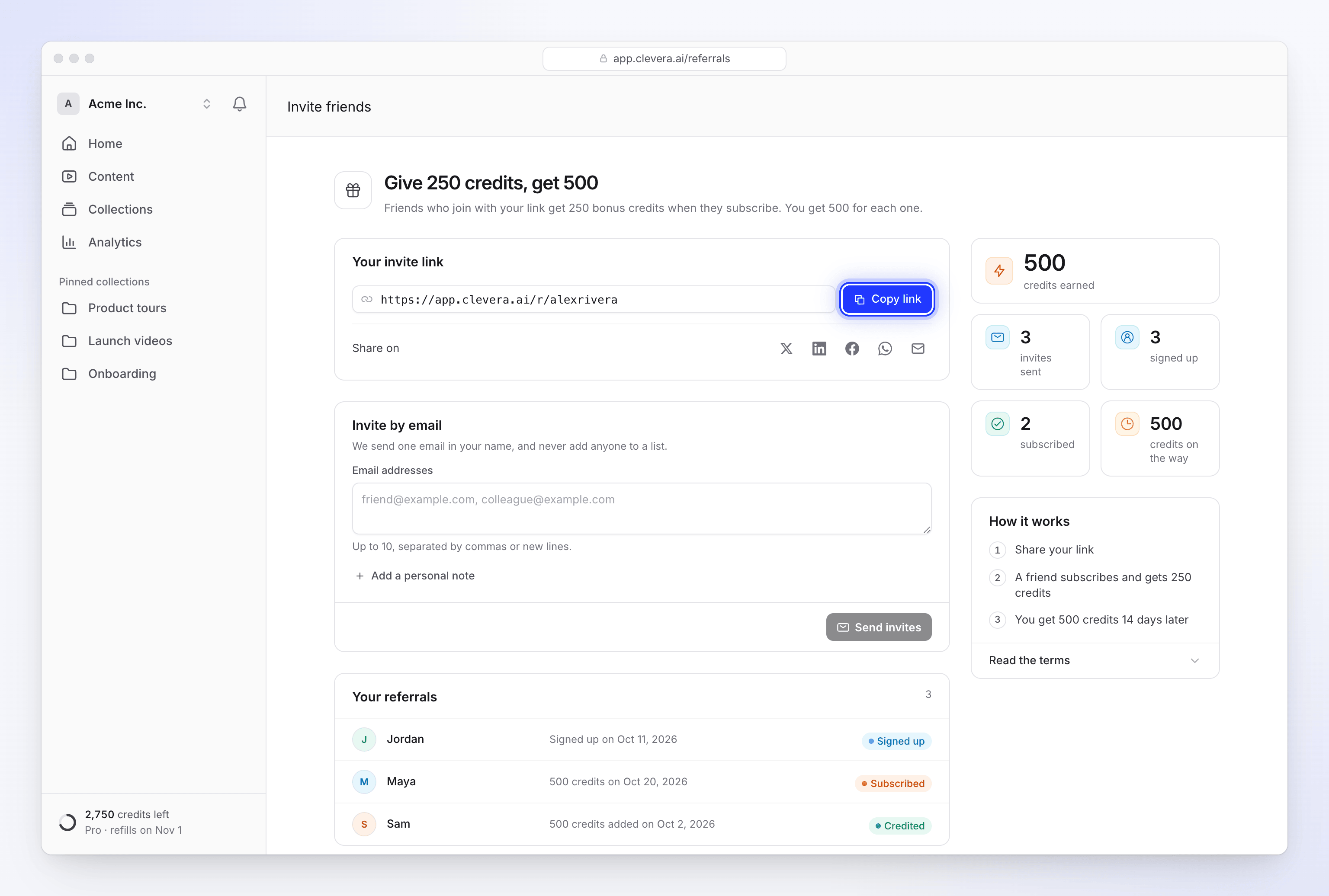
Click Get free credits in the credits menu in the sidebar, or Invite friends on the Billing page. The page opens with the offer: "Give 250 credits, get 500".
Copy or share your link
Under Your invite link, click Copy link, or share it directly with the buttons under Share on. The shared message reads: "I make product videos with Clevera. Sign up with my link and get 250 bonus credits", followed by your link.
Or invite by email
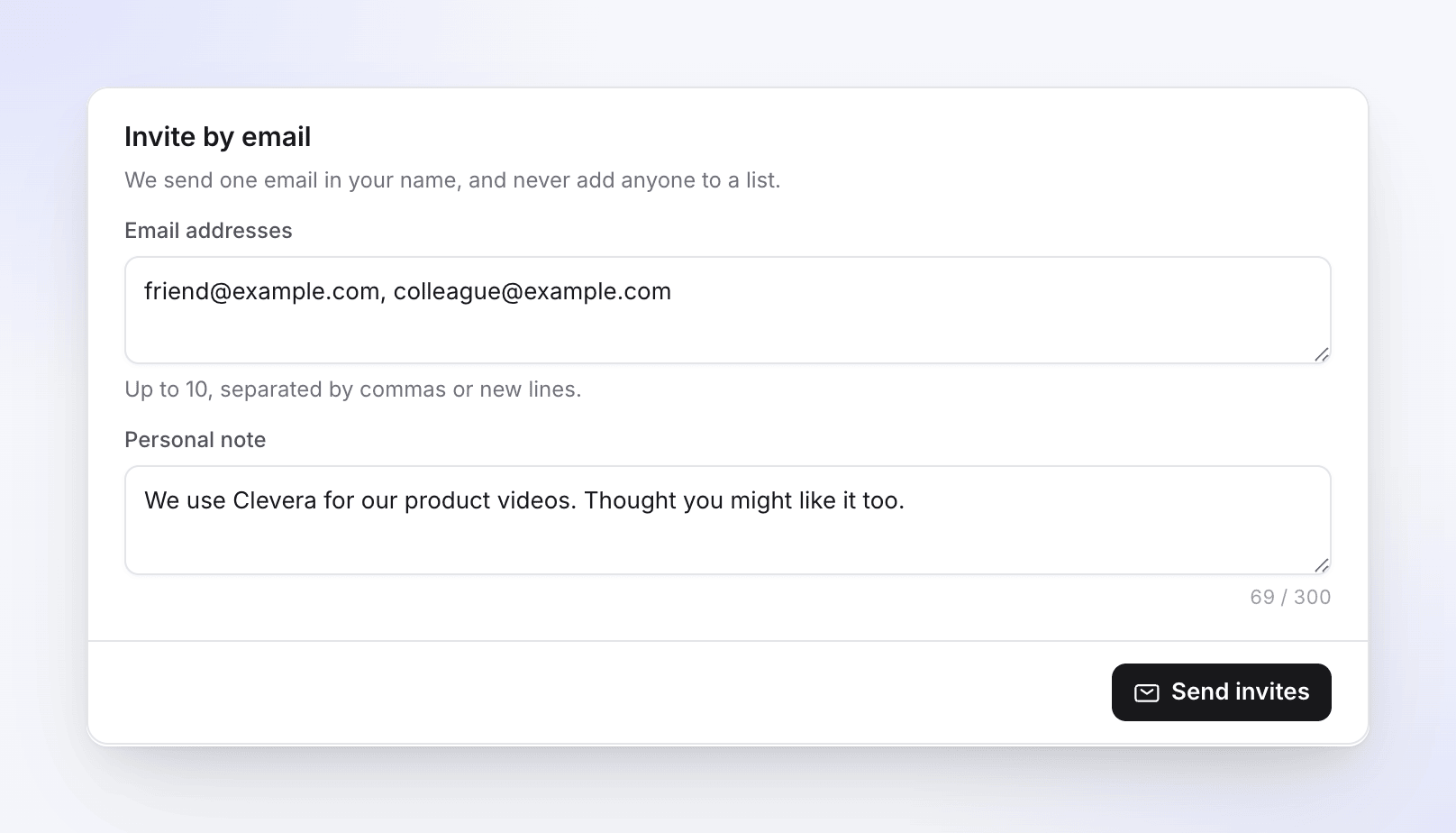
In the Invite by email card below your link, enter up to 10 addresses, separated by commas or new lines. Click Add a personal note if you like, then Send invites. "We send one email in your name, and never add anyone to a list."
Personalise your link
Click Personalise your link to swap the random code for your own, such as clevera.ai/r/alexrivera. Codes are 6–10 letters or numbers, and you can change yours once.
What your friend sees
- A page that says "Alex Rivera invited you to Clevera", with Sign up free.
- On the sign-up form: "Invited by Alex Rivera" and "You'll get 250 bonus credits when you subscribe."
- Friends who already have a code can enter it under Have an invite code? when they sign up.
The link is remembered on their browser for 60 days, so they don't have to sign up the same day they click it.
Track your referrals
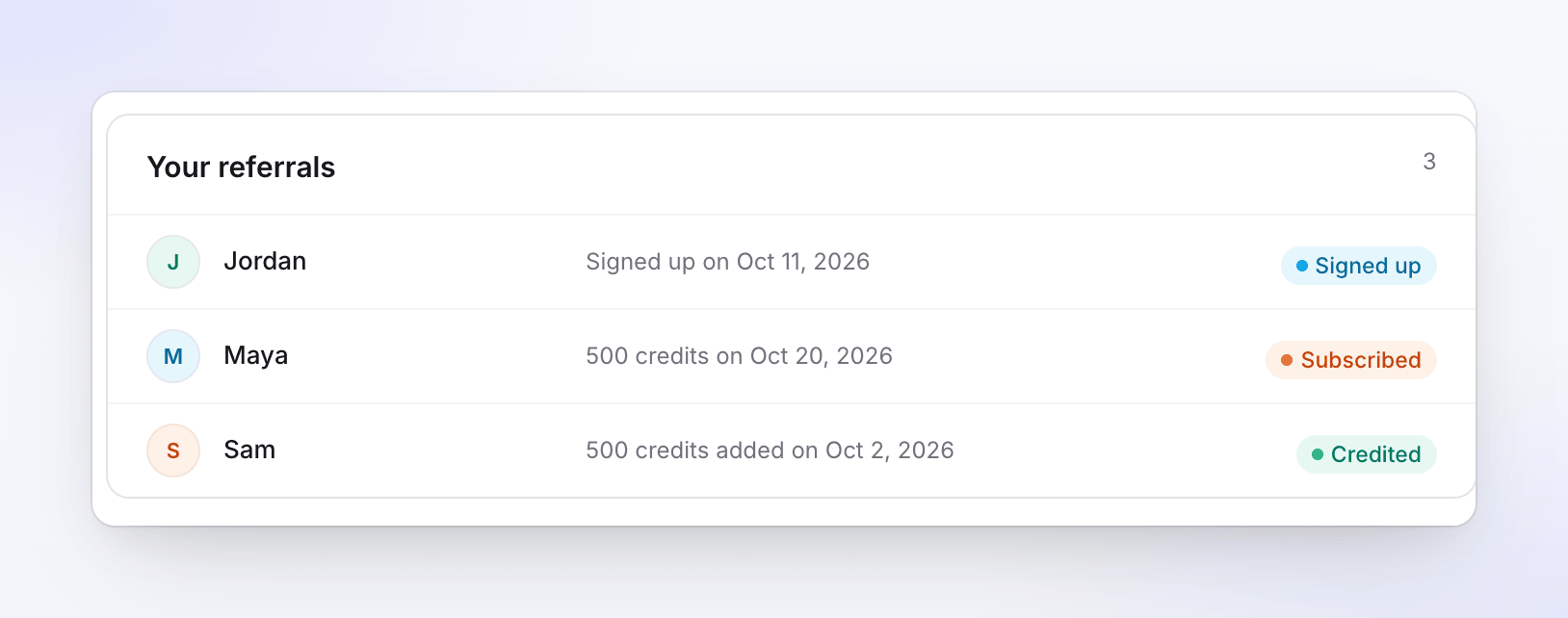
Your referrals on the Invite friends page lists everyone who signed up with your link, with their status. Beside it, totals show the credits you earned, invites sent, sign-ups, subscriptions and credits on the way. While credits are on their way, the sidebar menu shows a badge such as "500 pending".
| Status | What it means |
|---|---|
| Signed up | They created an account. Nothing is due until they subscribe. |
| Subscribed | They paid. Your credits arrive on the date shown, after the 14-day hold. |
| Under review | We're checking the referral; credits follow after a short review. |
| Credited | The credits are in your wallet. |
| Limit reached | You've hit the monthly or yearly reward limit. They still got their bonus. |
| Refunded | Their payment was refunded, so the reward was cancelled. |
| Expired | They didn't subscribe within 90 days of signing up. |
| Not eligible | The referral doesn't meet the terms. |
Where the credits go
- Your 500 credits land as bonus credits in the first workspace you own. If you don't own one, they go to the workspace you're working in.
- Your friend's 250 credits land in the workspace that subscribed.
- Bonus credits never expire. They're spent after the month's included credits and before bought credits.
Limits and terms
| Rule | Limit |
|---|---|
| Rewards you can earn | 10 a month and 50 a year. Past that, friends still get their bonus. |
| Time for a friend to subscribe | 90 days from sign-up |
| Email invites | 10 addresses per send, 20 a day. The same address isn't emailed twice within 30 days. |
| Rewards per friend | Once per friend's workspace, after its first paid invoice |
- Referral credits can't be cashed out or transferred.
- Refunded, self-referred or duplicate sign-ups don't qualify. Referrals from a shared device or network may go to review.
Troubleshooting
| Message | What it means |
|---|---|
| "Invites are paused right now. Your link and the credits you earned are safe." | The invite programme is paused for everyone. Try again later. |
| "Your invite link is paused while we review it. Contact support if you think this is a mistake." | We're reviewing your link. Contact support from the chat in the app. |
| "No invites left today. Try again tomorrow." | You've sent 20 email invites today. You can still share the link. |
| "You have already personalised your code." | Each link can be personalised once. |