

Remove the Clevera watermark
Free exports, share pages and embeds carry a "Made with Clevera" badge. Upgrade to Starter or Pro to remove it, render again for a clean MP4, and add your own logo to the player.
Videos exported on the Free plan carry a small "Made with Clevera" badge. Any paid plan removes it from new exports, share pages and embeds.
Where the watermark appears
| Where | On the Free plan | On a paid plan |
|---|---|---|
| Exported MP4s | "Made with Clevera" badge in the bottom-right corner | No badge |
| Editor preview | The same badge, so you see what the export will look like | No badge |
| Share page and embeds | The badge on the video, plus a "Made with Clevera" or "Powered by Clevera" link on the page | No Clevera branding |
The badge is slightly see-through and sits over the whole frame, so zooms and camera moves don't push it around. It steps aside while a title card, list or logo reveal fills the screen.
Remove the watermark
Upgrade the workspace
In the editor, click Share → Download, then Remove it next to the watermark note. It opens the plans page. Pick Starter or Pro and finish checkout. Only the workspace owner can change the plan.
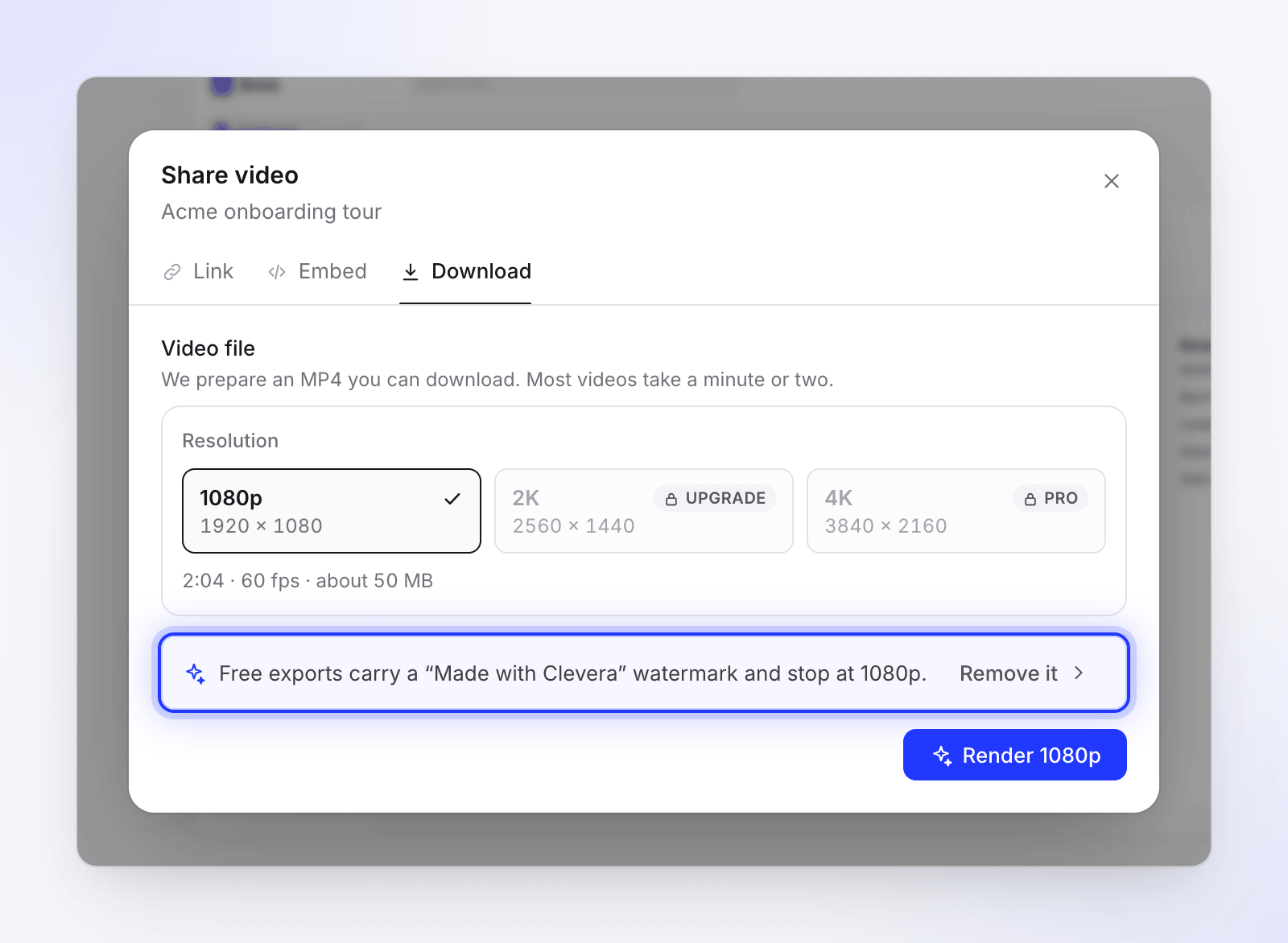
Remove it opens the plans page. You can also upgrade from Billing at any time. See Choose a plan.
Render the video again
The badge is part of the pixels of every MP4 made on Free, so earlier files keep it. Open Share → Download, click Render a new version, and download the new file. Exports never use credits.
Check your links and embeds
Share pages and embeds update on their own, within about a minute. There's nothing to re-share or re-paste.
Add your own logo to the player
Paid plans can show your logo in the share page and embed player instead. It's set per collection:
- Open Collections, open the collection, then Settings.
- Under Branding, upload a Player watermark (PNG, JPG or SVG, up to 2 MB). It's "Shown in the bottom-right corner of the video player. It scales with the player."
- Pick a Watermark size (Extra small to Extra large, default Medium) and a Distance from edges (1–10, default 4).
- Save.
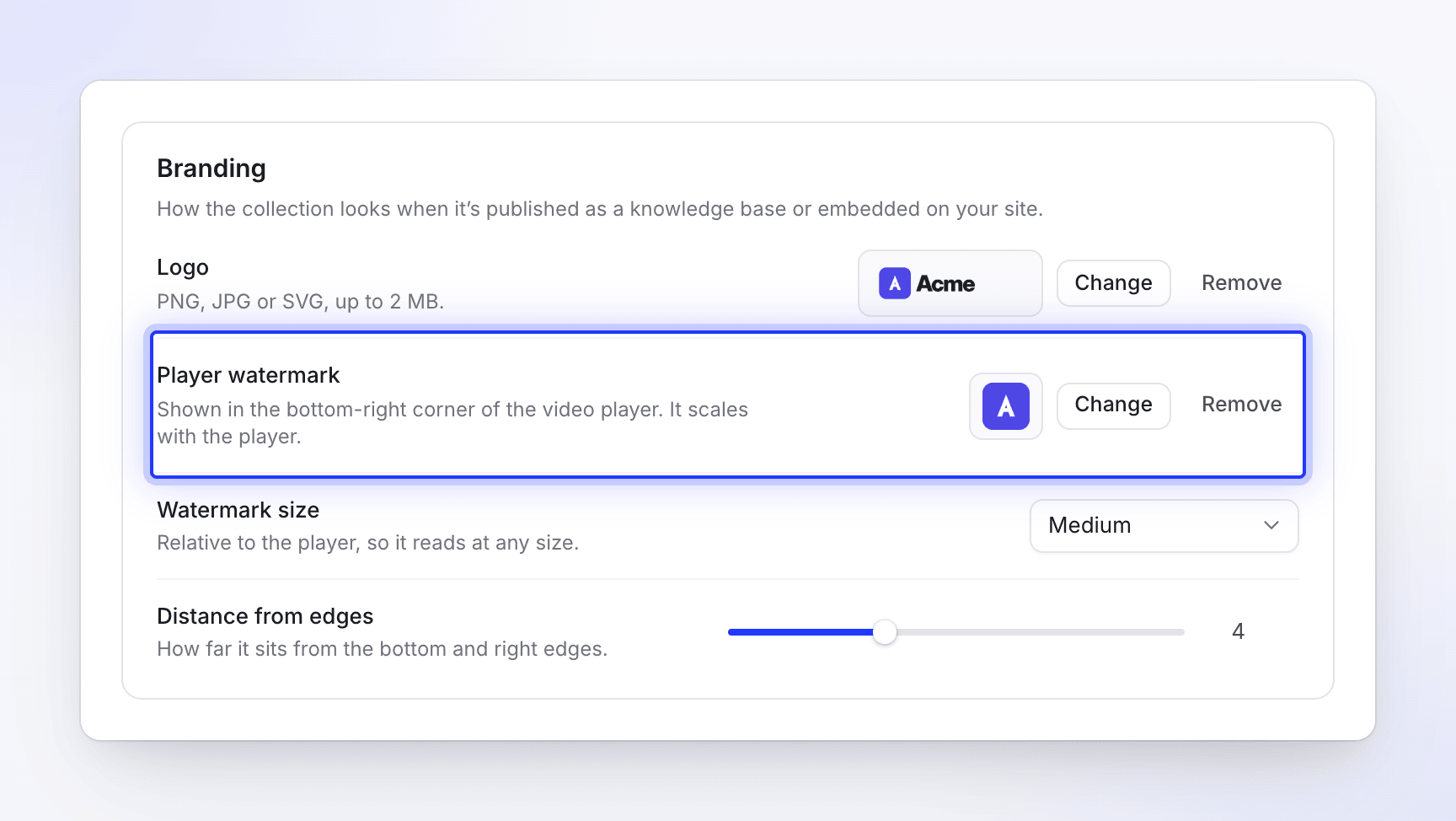
Your logo shows in the player only. It isn't burned into exported MP4s, and it doesn't show on the Free plan while the Clevera badge is there.
If the plan changes back
If a paid plan ends and the workspace moves to Free, new exports carry the badge again and share pages show Clevera branding. Files you exported on the paid plan stay clean. While a payment is being retried after a failure, branding stays off.