

Publish videos to YouTube, LinkedIn, X, Wistia, Google Drive, Dropbox and OneDrive
Send a finished video to YouTube, LinkedIn, X, Wistia, Google Drive, Dropbox and OneDrive from the Share window, with text written for each platform, plus a redesigned Integrations page. Vimeo is coming soon.
NewImproved
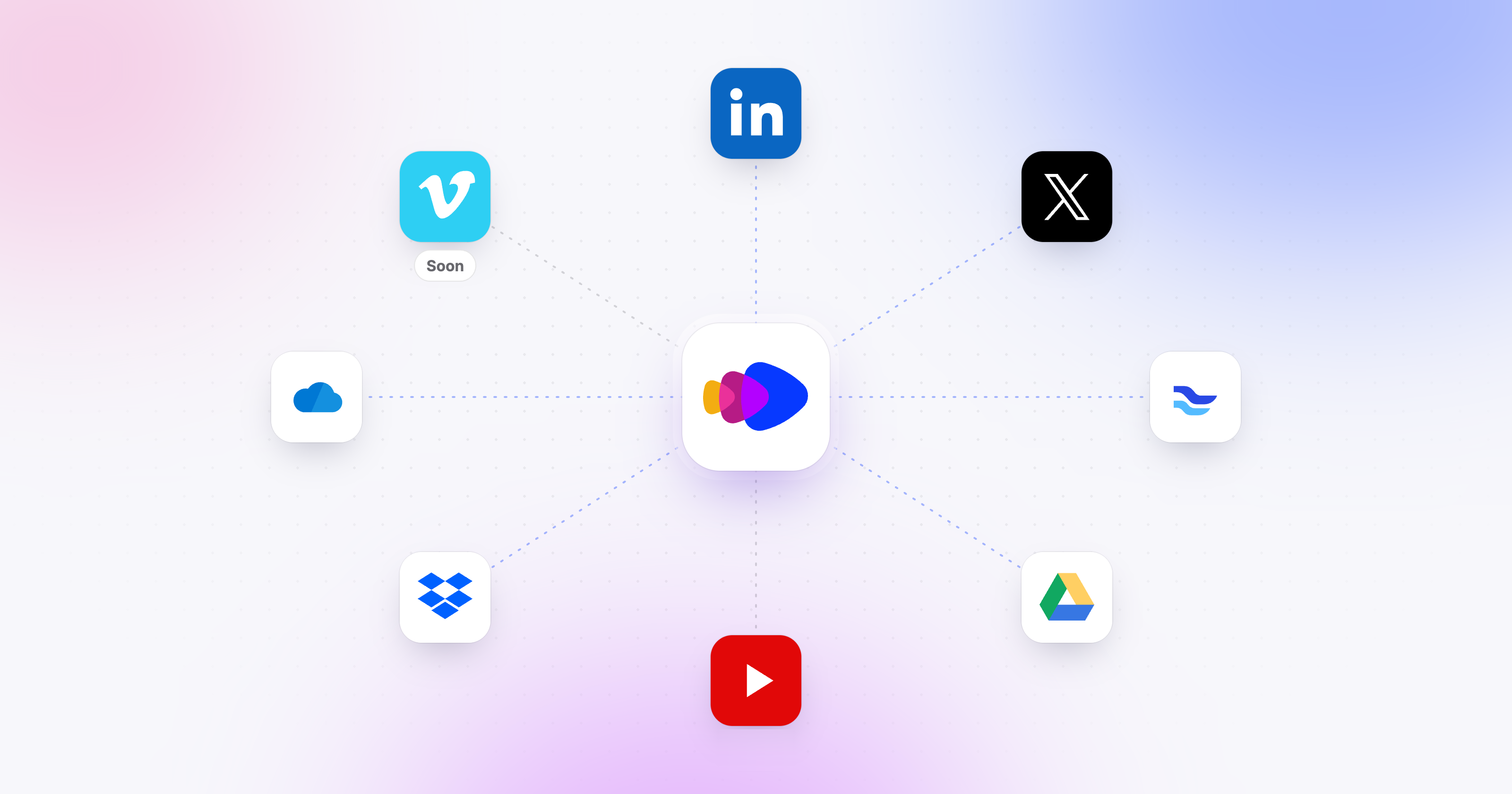
Your videos can now go straight from Clevera to the places your audience watches them. Connect your accounts once, then publish from the Share window: tick the accounts, check the text written for each one, and send.
New
- Publish to your platforms from the Share window. The new Publish tab sends one video to several accounts in one go. For each account, Clevera writes the post, title or description that platform needs, in the video's language, with a preview of how it will look. You can edit everything before you send. Publish videos to YouTube, LinkedIn, X and more
- YouTube (added November 6): upload videos to your channel as private drafts, with a title, description, tags and category written for you and chapters taken from the video. You publish them in YouTube Studio. Publish to YouTube
- LinkedIn: post videos to your personal profile or to a company Page you manage. Publish to LinkedIn
- X: post videos with a post written to fit X's limits. Each X post uses 3 credits, which is X's own fee for posting through its API. Publish to X
- Wistia: upload videos to a project in your Wistia library, with a title and description. Publish to Wistia
- Google Drive, Dropbox and OneDrive: save the MP4 to your storage. The file is named after the video, and videos from one collection land in the same subfolder. Google Drive · Dropbox · OneDrive
- Drafts and many accounts at once. Keep a publish as a draft and finish it later, switch every draft to another language in one step, and send to up to 20 accounts with one click. The Publish tab then shows the status of each send, with a link to the video on the platform.
- Publish before the render is done. Send a video that isn't rendered yet: Clevera starts the render and sends it as soon as the render finishes.
Improved
- A redesigned Integrations page. Video platforms, social accounts, storage and article tools now sit in one place, each with a clear row showing what it does and which accounts are connected. You can connect several accounts per platform. Connect your tools on the Integrations page
Coming soon
Vimeo is built and in Vimeo's final review. It is listed on the Integrations page as Coming soon and will open shortly. Vimeo
Publishing is part of the Pro and Custom plans.