Steadier on-device exports and fairer plan changes
Exports in your browser no longer stall on Windows or in Brave, plan downgrades wait until your renewal date, and ownership can be transferred on full two-seat workspaces.
ImprovedFixed
Improved
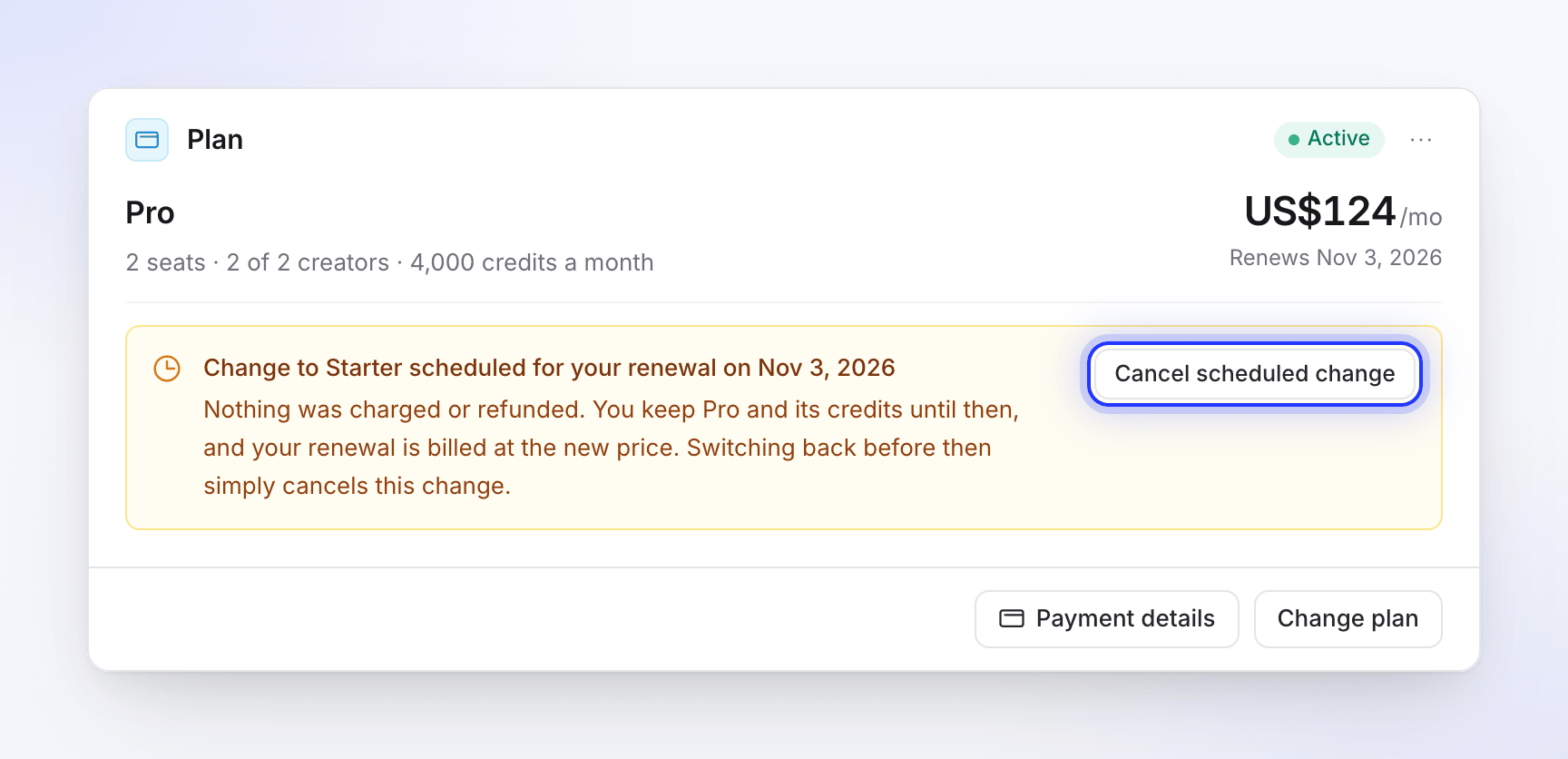
- Plan downgrades wait until your renewal date. When you move to a smaller plan, you keep your current plan until the end of the period you've paid for, and the change shows as scheduled on the Plan card. You can cancel a scheduled change before it happens. See Change your plan or seats.
- Upgrades are prorated correctly. Switching plans several times in a short period no longer charges the difference twice, and the allowance you get matches what you paid for.
- Yearly plans get twelve months of allowance, not one.
- Exports in your browser are steadier. On-device exports wait for fonts and media before they start, and recover when the browser reclaims video resources mid-export. See Understand on-device and cloud rendering.
Fixed
- On-device exports on Windows could stop at the same point every time. They now finish.
- On-device exports could hang while reading your recording, and didn't work in Brave.
- Layers could appear in the wrong order in exported videos.
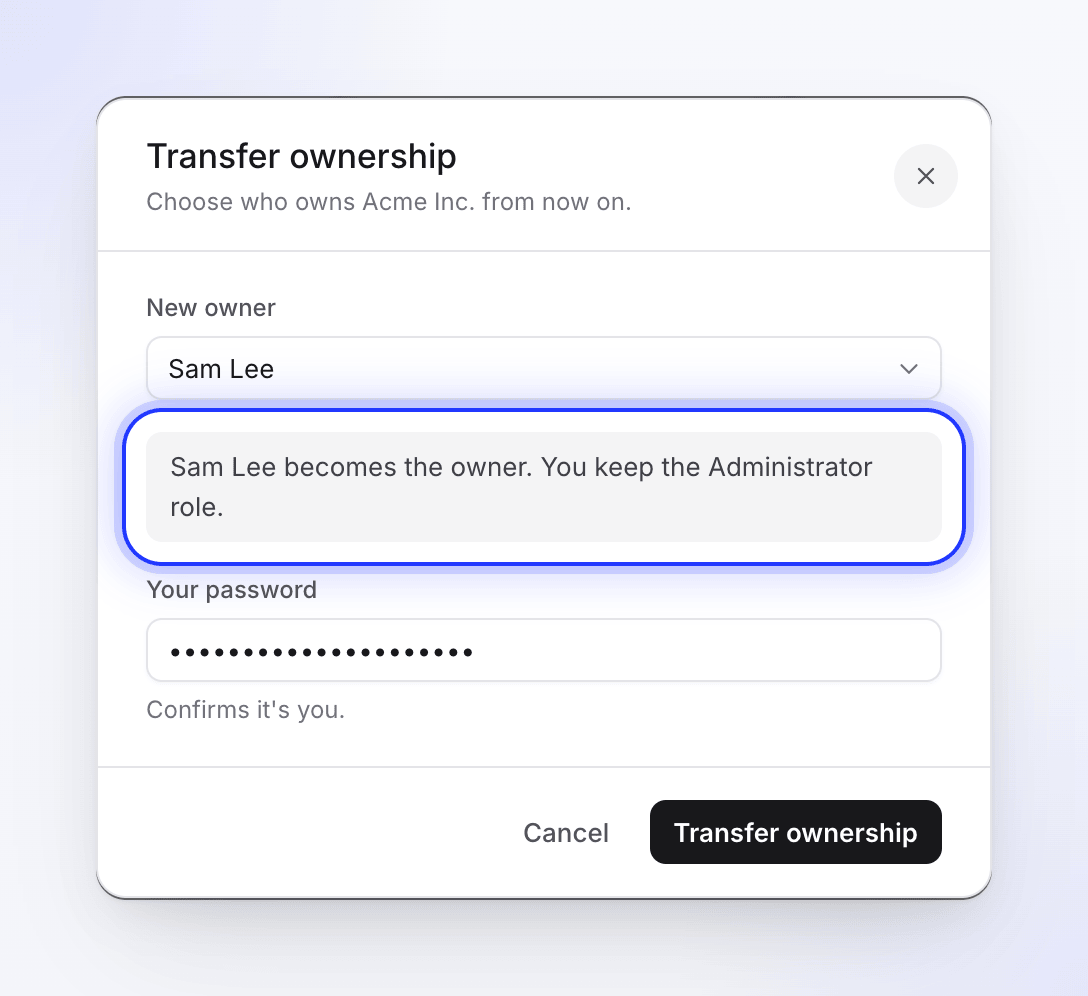
- Transfer ownership was hidden on workspaces with an owner and one member, such as a full two-seat plan. It now appears whenever there is someone to transfer to, and the previous owner stays an Administrator afterwards. See Transfer workspace ownership.